
Meet our new game Uncrossable Rush – the story of a brave chicken named Eggwina who dreams of doing the impossible: crossing a 24-lane road! But it’s not that easy – a never-ending stream of cars leaves no room for mistakes.
There are no complicated rules or confusing mechanics. All you need to do is confidently take the next step. Every car appears randomly, making each move unpredictable and exciting.
Before the game begins, you can choose your level of difficulty: the higher it is, the faster the cars go. But don’t worry – even the most extreme situations can be overcome by those who stay cautious and keep their cool.
Uncrossable Rush is a fun and dynamic game where every step Eggwina takes is a step toward victory. Prove that even an ordinary chicken can achieve something extraordinary – if she’s not afraid to move forward!
TM CrossyRun is used under the licence of Slotcatalog.
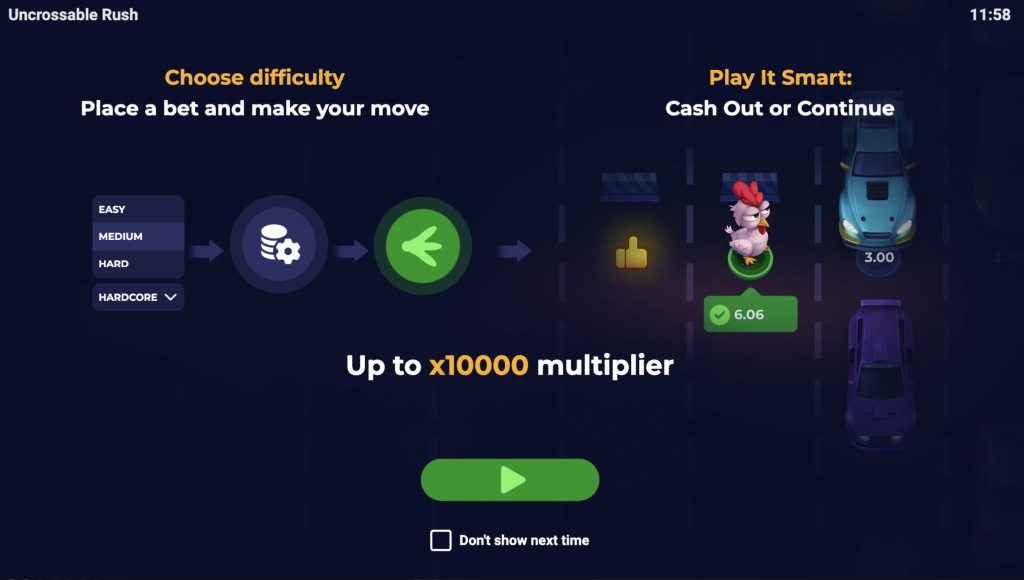
HOW TO PLAY
Choose your bet and difficulty level – from Easy to Hardcore. Each level has its own collision frequency and 24 lanes of traffic.
Click Play to start the round. Eggwina the chicken will begin moving forward across the lanes.
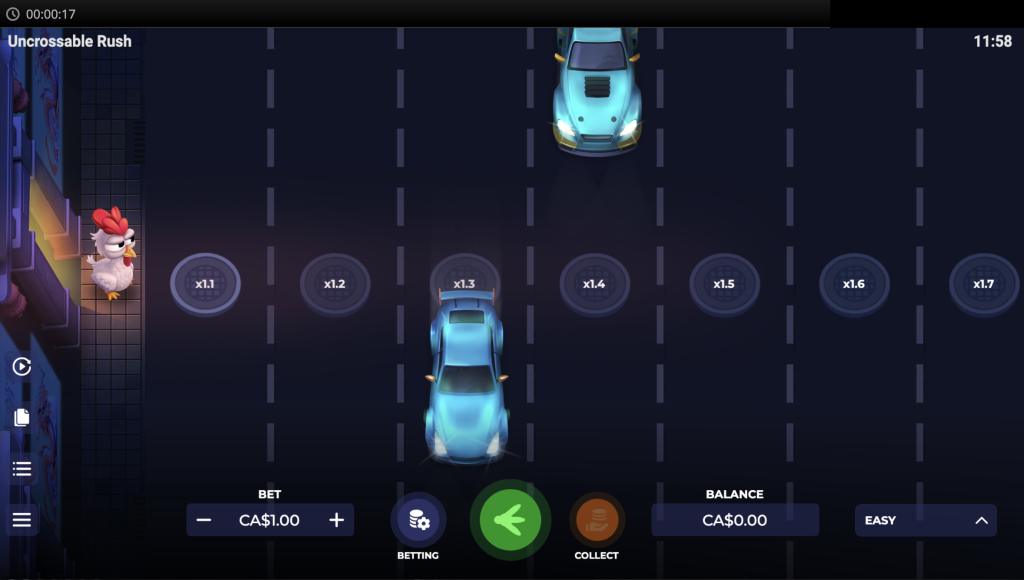
At every step, there’s a chance of getting hit by a car.
Your goal is to reach the end of the road and win a prize multiplied according to your chosen risk.
You can also cash out at any moment after a successful step by pressing the Cash Out button.
DIFFICULTY LEVEL
You can choose from four difficulty levels – Easy, Medium, Hard, and Hardcore. As the difficulty increases, so does the speed and number of cars on the road, raising the risk of collision but also boosting the starting bet multiplier.
The harder the level, the greater your potential winnings!
You can view all possible winnings in the Paytable section.
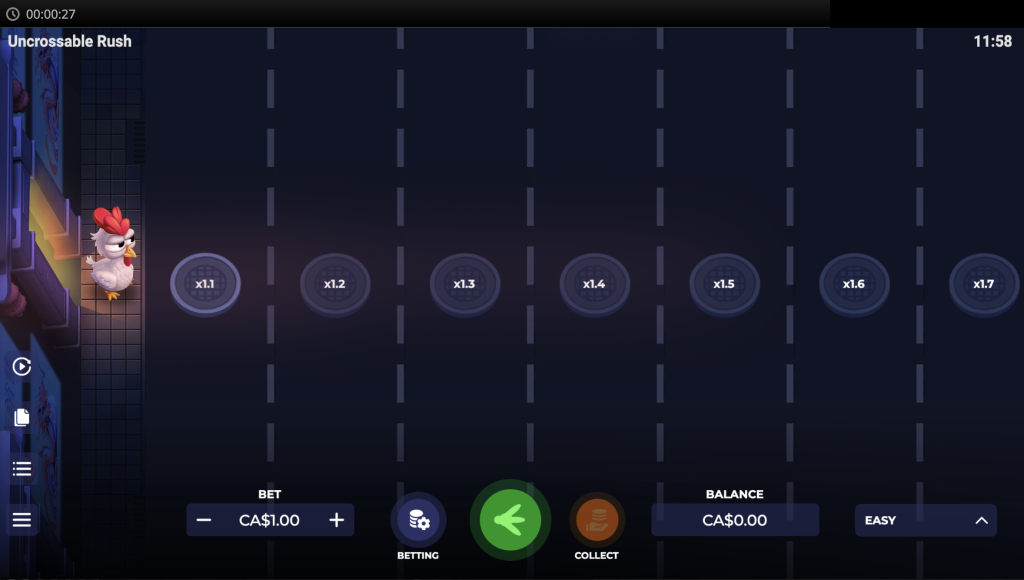
GAMEPLAY
 | Play By clicking the Play button, you will start the game round |
 | Collect Click on the Collect button to take your current winnings. |
 | Betting Displays the bet value for a spin. Click Bet to open the Bet settings menu. By clicking the Bet settings (coins+gear) button you can open the bet settings interface and set your bet value. |
 | Swipe mode Swipe left or right to scroll the game field. |
 | Balance Displays your account balance. Click Balance to open the Bet settings menu. |
 | Sidebar Open the sidebar options interface, where you may turn the sound on/off and enter/exit fullscreen. Also located on the sidebar are buttons for: rules, paytable, history and settings. Certain features may not be available in all regions. |
 | Paytable Displays all multipliers for each symbol combination, description of the game features and all information about the paylines. |
 | Settings By clicking the Settings button you can open the game settings interface to change the sound, input and visual settings. |
 | Rules Displays a full description of the game rules and features. |
 | Hash By clicking on the Hash button, you will copy the validation string of the game round. |
 | History By clicking the History button you can review and replay your last game rounds. Updating the history list may take some time. |
HOW TO CHECK PROVABLY FAIR?
You can check provably fair at any moment by using any kind of SHA-256 hash generator.
In order to do this follow these steps:
- Open the window with round information in the “History” block.
- Copy the information from the “Validation string” field, and paste in the “Data” field on the website of any hash generator.
- Click “Generate” button and then you will see a hash code that will match with hash of your round.
RANDOMIZATION
The outcome of the round is random and equally likely for all positions. A random number generator is used to determine positions.
ADDITIONAL INFORMATION
Malfunction voids all pays and plays.
All wins/big wins/prizes are in a local currency