
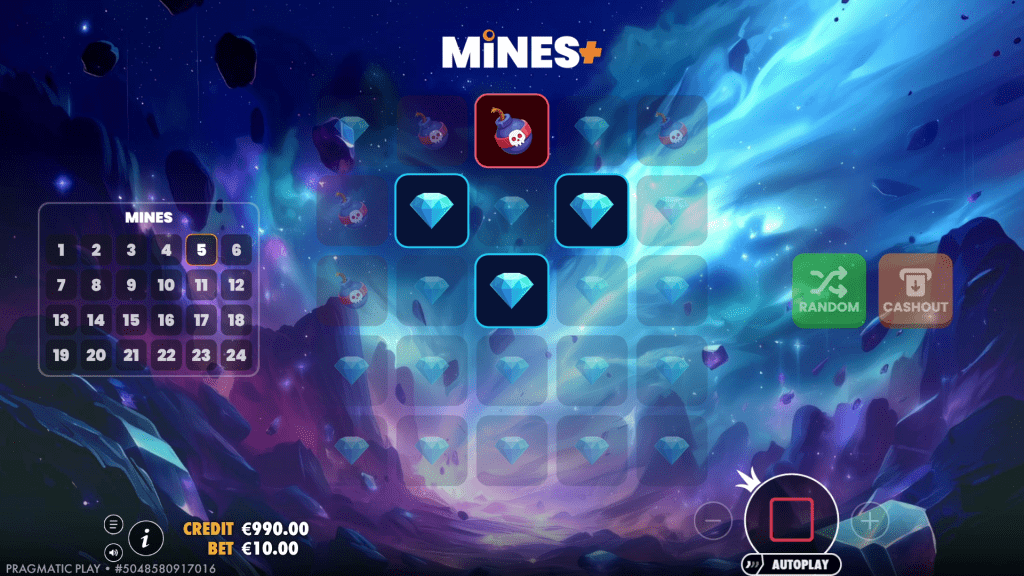
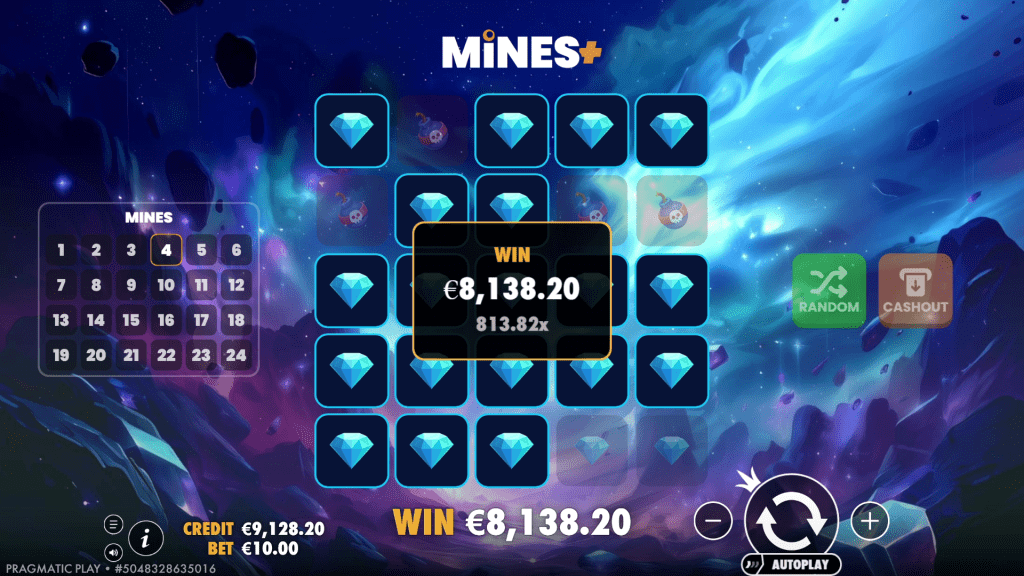
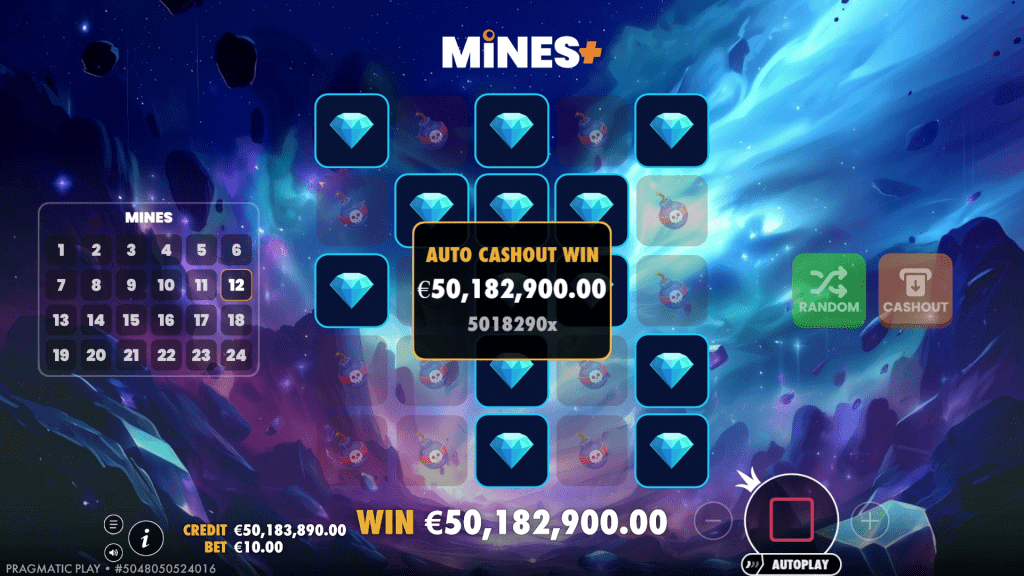
In the game of MINES the player is presented with a grid of 5×5 tiles of pickable items, where diamonds and mines are randomly placed beneath the tiles. The amount of diamonds on the grid depends on the number of selected mines.
When a bet is initiated the player can start picking one of the tiles, one by one. Picks reveal a lose representing a bomb or a win representing a diamond. When a win is revealed a multiplier of total bet is added into the current win and activates the next pick. When a lose is revealed the round immediately ends and all wins in the current win are cleared, resulting in no win for the round.
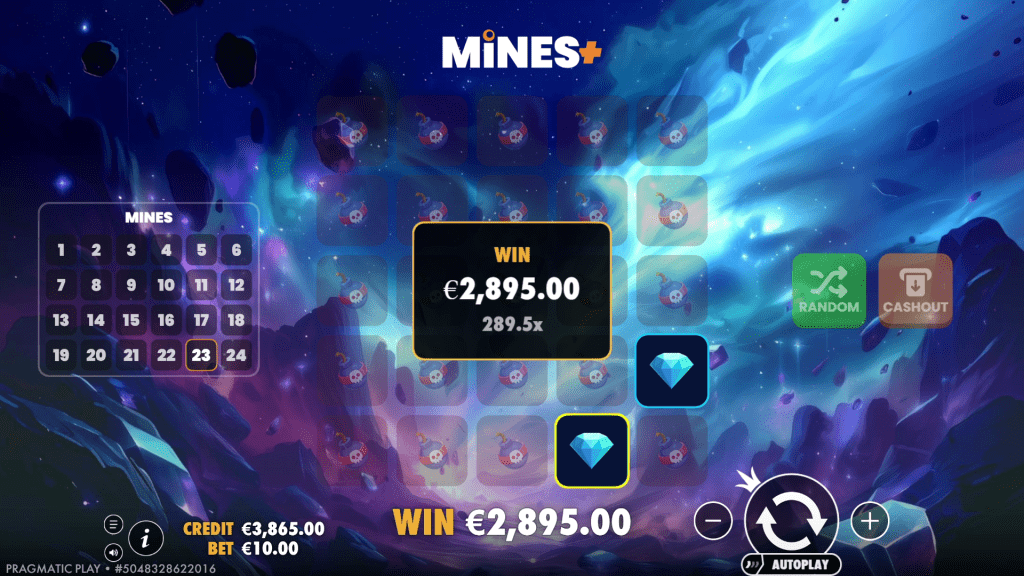
At any point during a round the player can cash out the current win value in the total win.
When that happens the value is awarded and the round ends.
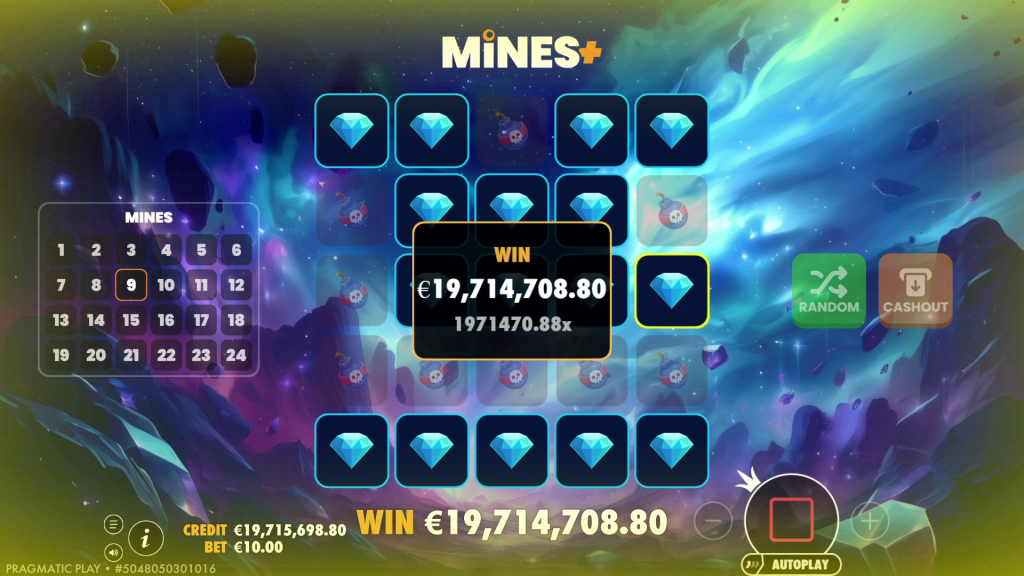
During the round, if through subsequent picks the maximum number of diamonds is revealed, the round ends and the final value of the current win is awarded.
The player can pick a random tile by clicking the “PICK RANDOM” button.
BETTING AND BET MENU
Use the  and
and  buttons to change the increase and decrease the bet or use the bet change menu to customize the bet.
In the bet change menu the current bet is written in the text box under the TOTAL BET label. Use the  and
and  buttons next to the label to gradually change the number up or down.
Use the on-screen keyboard to write a number that you desire. Pay attention to the minimum and maximum reported under the TOTAL BET text box to understand within what limits bets can be written.
In case of writing an invalid bet, the number turns red and an error message will appear explaining what the error that makes the number invalid is.
The 1/2 button halves the current number in the TOTAL BET box. If the current number is invalid, the 1/2 button halves it and rounds down to the first valid number.
The 2x button doubles the current number in the TOTAL BET text box. If the current number is invalid, the 2x button double it and rounds up to the first valid number.
The RESET button resets the current number in the TOTAL BET text box to the bet present before opening the bet menu.
The BET MAX button changes the current in the TOTAL BET text box to the maximum allowed, within the limits of game
HOW TO PLAY
Click the  or
or  buttons to change the bet value and open the bet menu.
Select the bet you want to use in the game.
Press the SPIN button to play.
MAIN GAME INTERFACE
 opens the SETTINGS menu that contains settings which affect the way the game is being played.
 opens the Information page.
and change up or down the current bet and open the bet menu, where you can change the bet denominations.
 starts the game.
SETTINGS MENU
INTRO SCREEN – toggles the introductory screen on and off
AMBIENT – toggles the ambient sound and music in the game on and off
SOUND FX – toggles the game’s sound effects on and off
GAME HISTORY – opens the game history page
INFORMATION SCREEN
 and
and  scroll between information pages.
 closes the information screen