About
In Looters you pick gates to find treasure, extra looters and power ups. Find a ‘collect to win your accumulated treasure and keep picking until you run out of Looters. It features the Swarm™ mechanic.
Game Rules
Playing
Press the start button to play the game.
Select your bet size on the stake interface.
The information bar will display your current bet size and current balance.
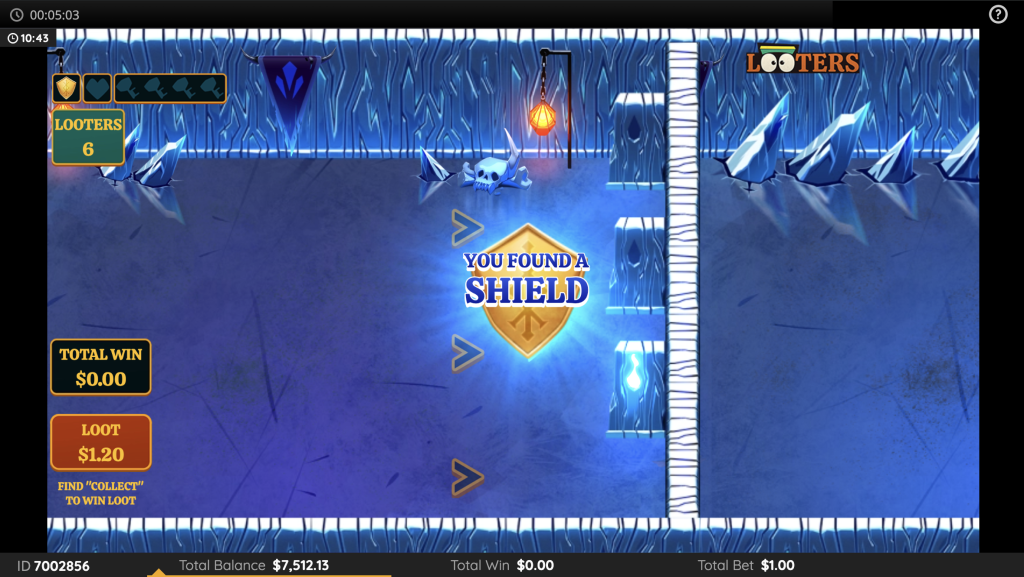
The number of Looters remaining, current Loot and total win are shown on screen.
Swarm™ Mechanic
Each game starts with 4 Looters. The player is presented with a series of gates and must select one from each group of three.
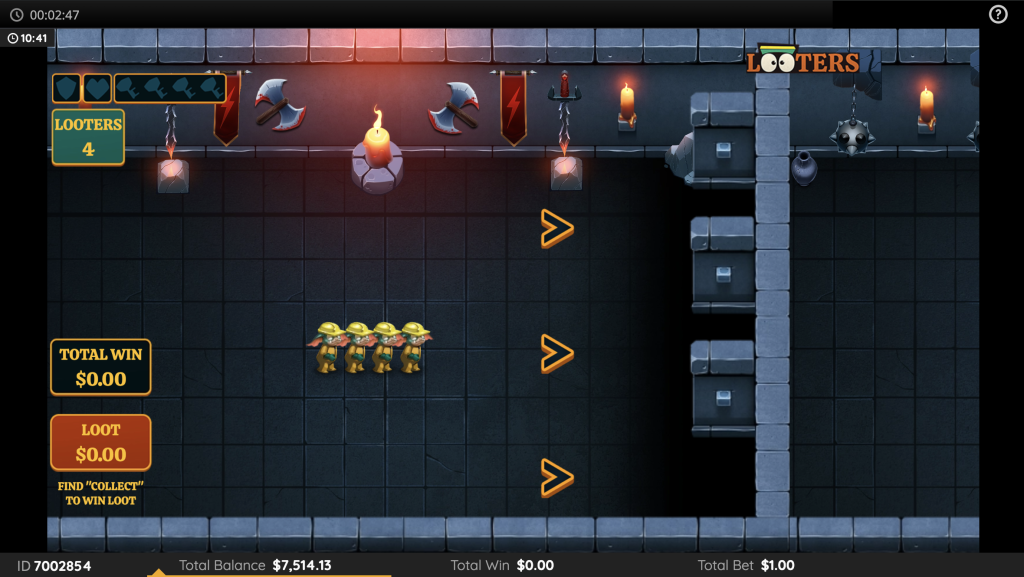
Gates can reveal one of the following:
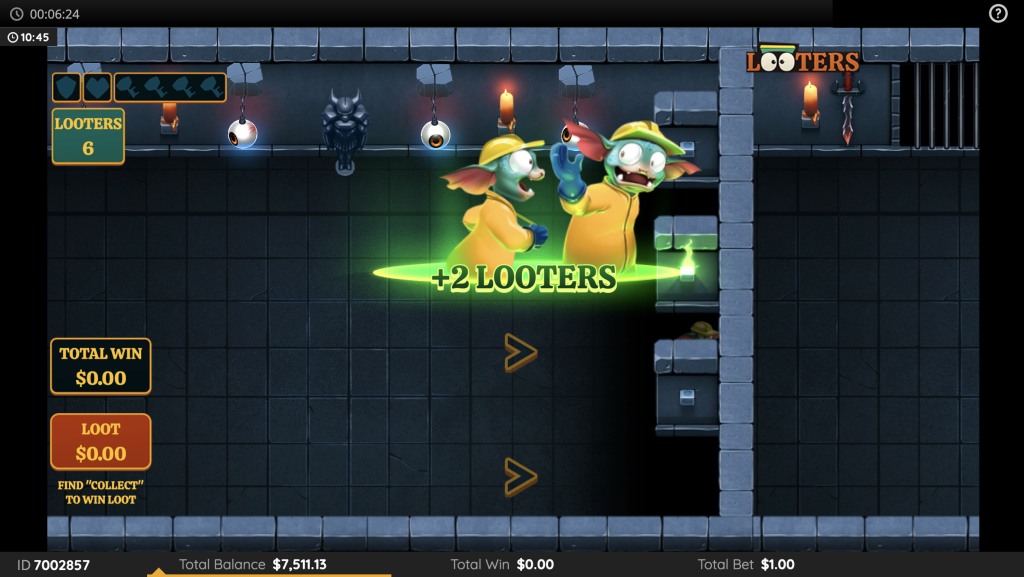
- Extra looters – add looters to the swarm.
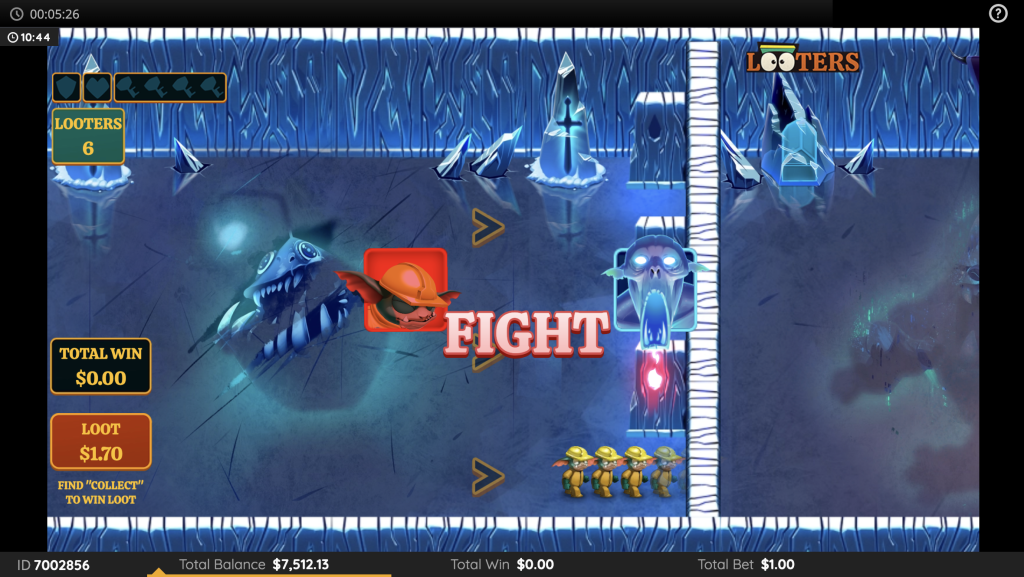
- Fight – start a fight with the monsters. If you lose the fight looters will be lost. If you win the fight treasure will be awarded.
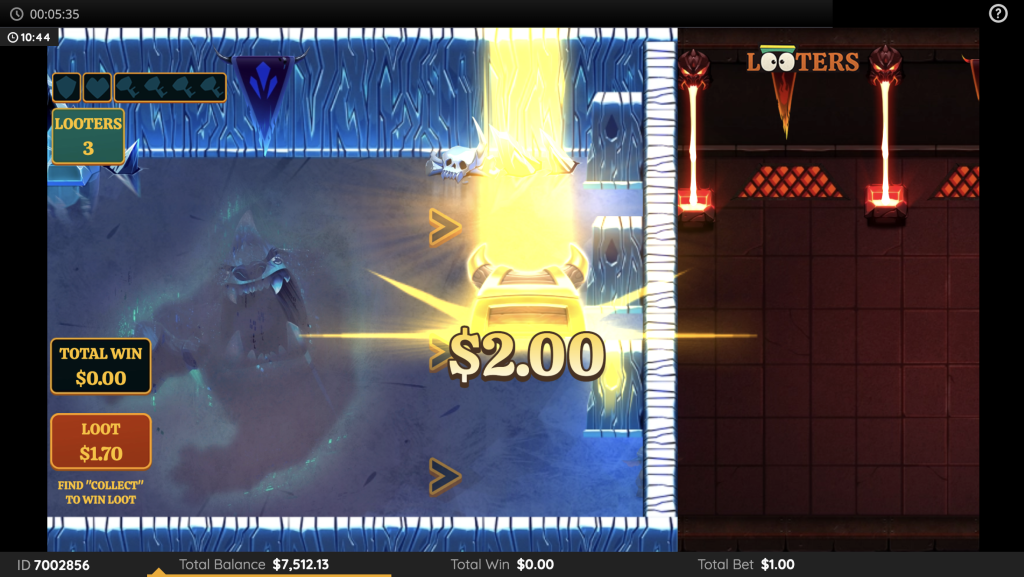
- Treasure – find cash values to add to the loot pot. Possible cash values as multiple of base stake are 0.2x, 0.5x, 1x, 2x, 3x, 5x, 10x, 20x, 50x and 100x
- Collect – award the player the total value in the loot pot.
- Extra life – maintains the number of looters on a gate that would end the game.
- Shield – blocks the next gate that would remove any looters.
- Treasure boost – doubles the current amount in the loot pot.
- Key – collect 4 keys across a game to play the Treasure Room Bonus game.
The game continues until no Looters remain in the swarm.
Bonus
Collecting 4 keys across a game awards the Treasure Room Bonus game.
Select from the treasure items on display to reveal cash amounts. With each pick the doors will open or close a random amount. Keep picking until the doors completely close when the total amount accumulated will be awarded.
Possible cash values as multiple of base stake that can be selected are 1x, 2x, 3x, 4x, 5x, 6x, 7x, 8x, 9x, 10x, 15x, 20x, 25x, 30x, 35x, 40x, 45x, 50x, 100x, 250x and 1000x
The bonus game can be triggered multiple times per game round.
Extra Looter Purchase
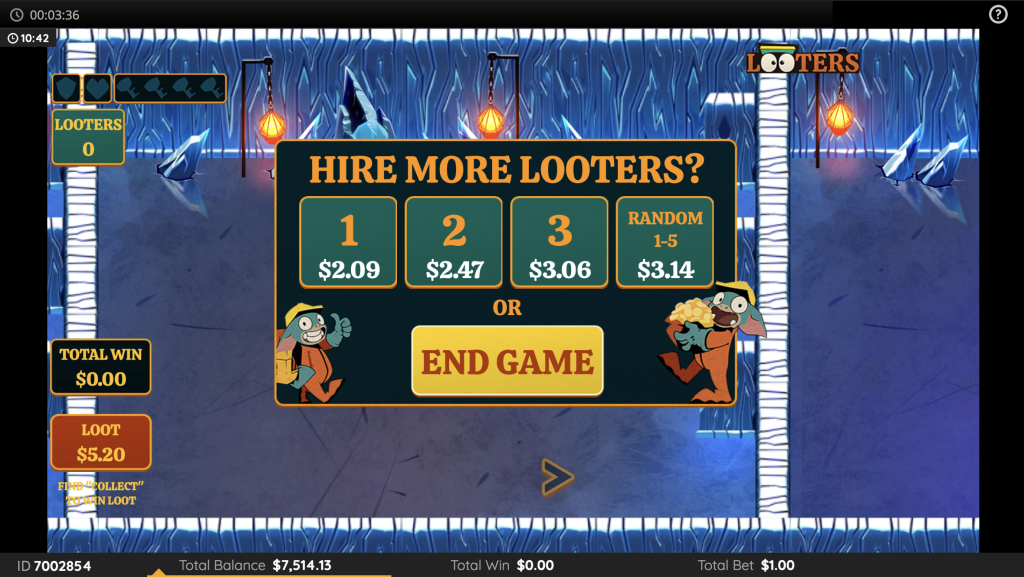
When no Looters remain, the player can choose to purchase extra Looters to continue the game.
The player can choose 1, 2, 3 or a random number of Looters. Selecting random will award 1, 2, 3, 4 or 5 Looters to continue the game.
The prices are displayed with the buttons.
The total staked so far is displayed in the information bar.
Player Controls
The Player can choose to set the following from the player controls menu:
- Maximum number of purchase rounds offered per game.
- Maximum purchase price offered.
- Maximum total stake per game.
- Maximum total loss per game.
If any of these limits are reached the game will end and any winnings will be collected.
Randomization
Gate types and values are selected randomly from a series of weighted lists.
Menu
Pay table
Within the game menu, press the “i” icon to view pay table and game information.
Help
Within the game menu, the “?” icon opens the game’s help file.
Sound / Music
Use the sound option to mute or enable all game sounds. Where applicable, you can use the music option to turn off just the background music, while leaving other game sounds on.
Other
Please note, the performance of your network or devices (e.g. the speed of your connection or processor) may have, or may appear to have, an effect on the game such as in making decisions where speed is a factor or the update of progressive jackpot values.
Additional Information
If a player’s game is interrupted during play, they may continue the game round after restarting the game within 24 hours after interruption.
After that time, any winnings from an interrupted game will be added to the player’s account.
In the event of a malfunction of the gaming hardware/software, all affected game bets and payouts are rendered void and all affected bets refunded.
© Copyright 2025 [Trinitas Gaming Limited] – All Rights Reserved.