Online gaming can be a great source of entertainment, especially when you are just spending a few bucks here and there. It may not seem like a lot, but if we aren’t careful, those few dollars can really add up over time and before we know it, we’ve spent more than planned.
When gaming online, it’s important for players to monitor spending to stay in control and avoid future problems. Casino Time has several self-management tools to help players keep track of how much they are spending and set limits on their gaming so it doesn’t get out of control.
Players can easily see how much they have spent over a selected time period by following these simple steps:
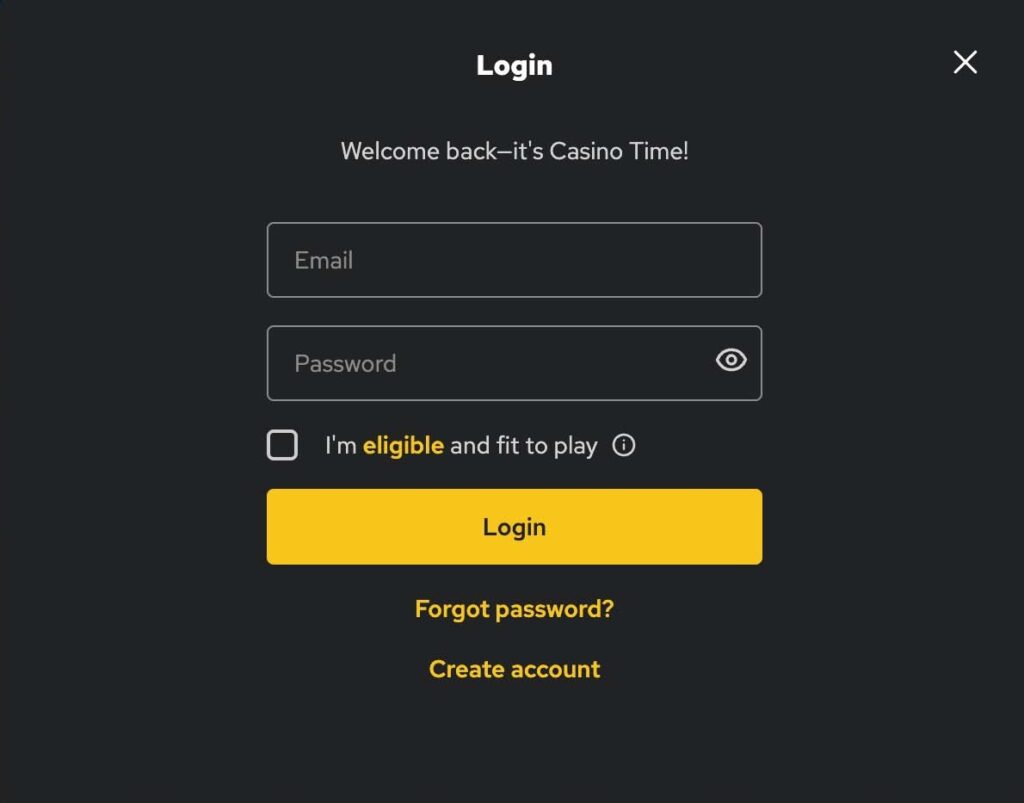
- Log into player account
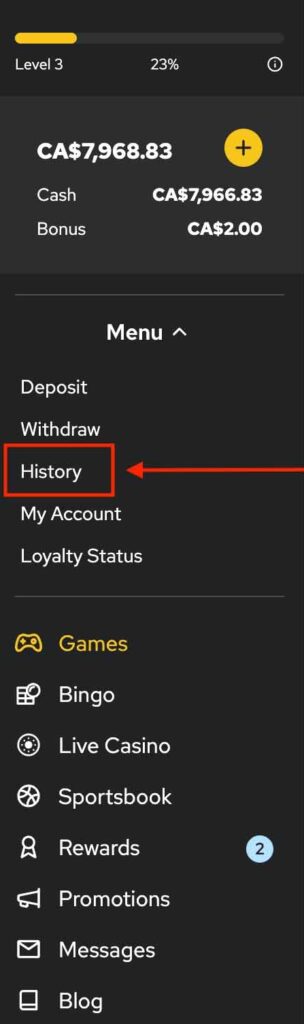
- Select “History” tab from the Menu option in the left side pane.
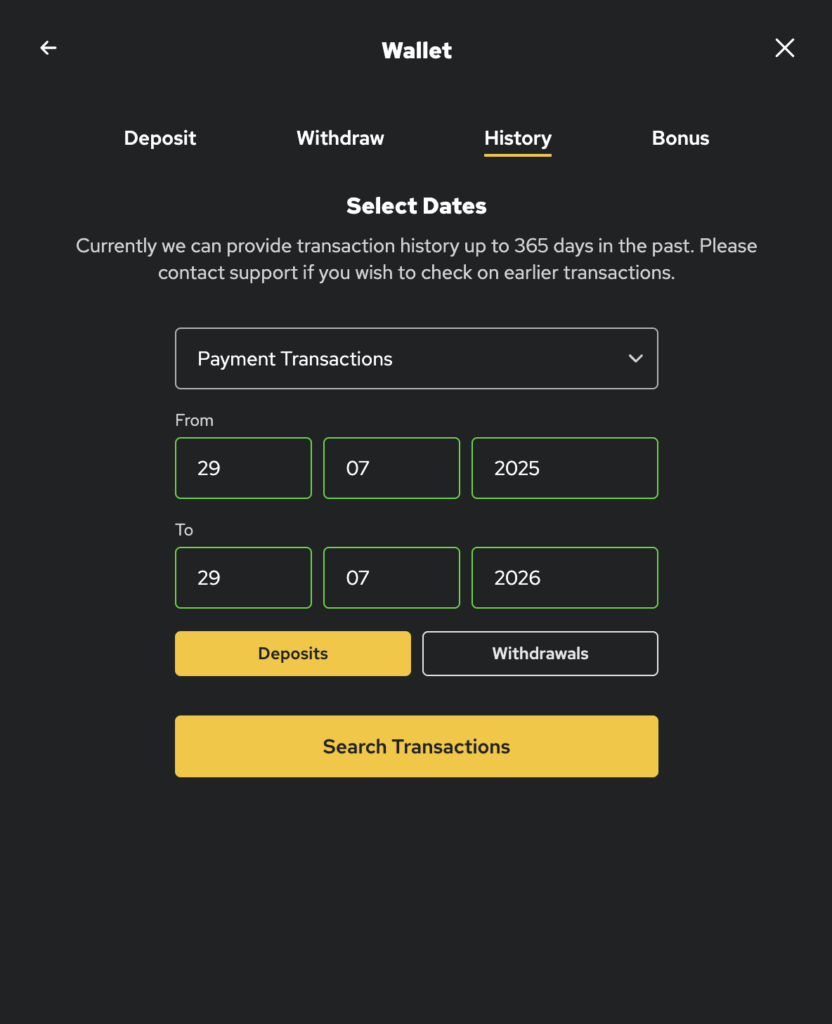
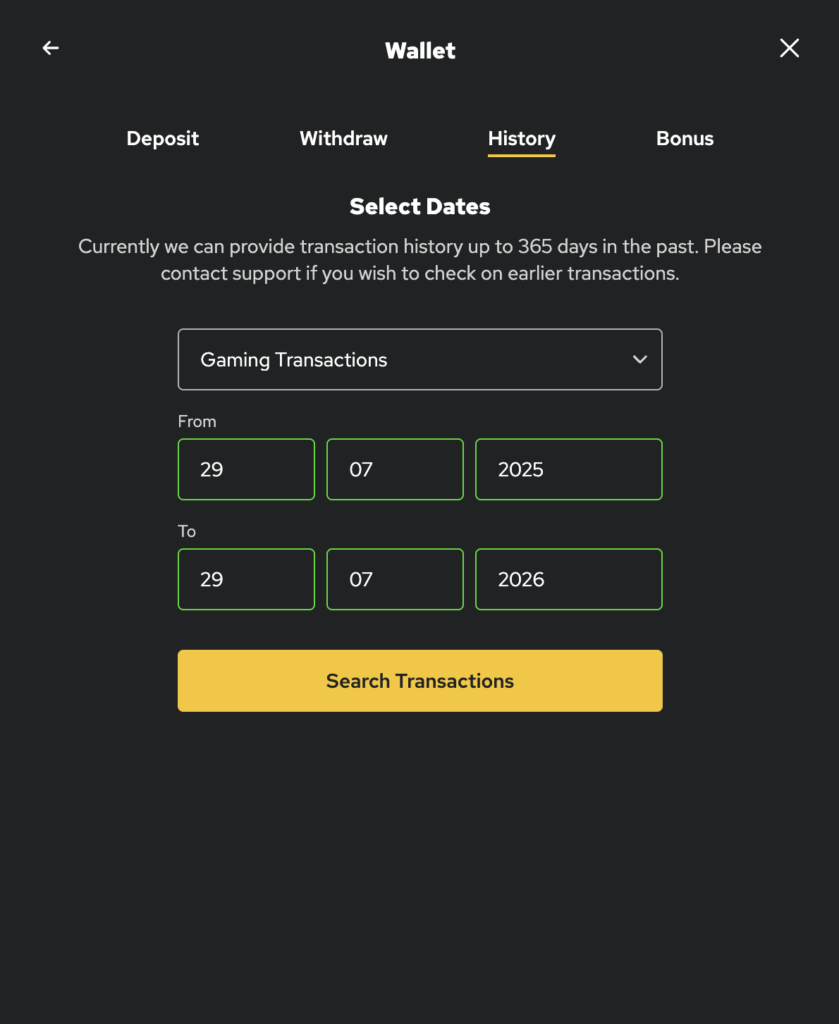
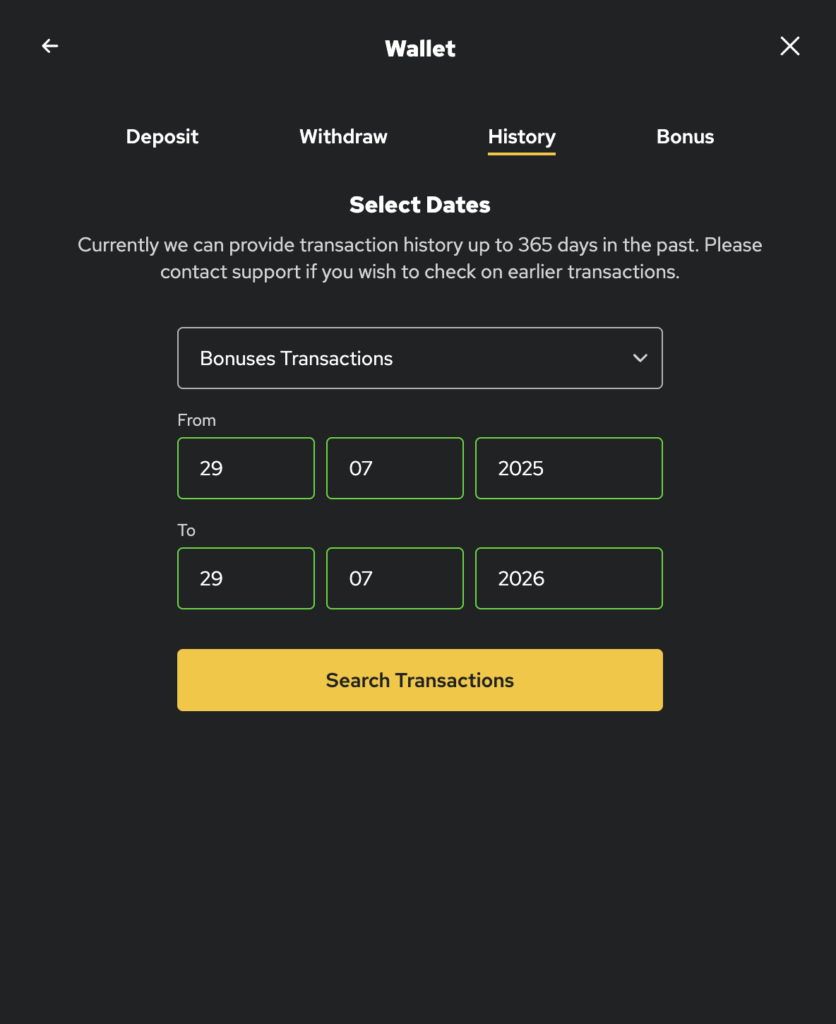
- Use the drop-down menu to select either “payment transactions”, “gaming transactions” or “bonuses transactions”.
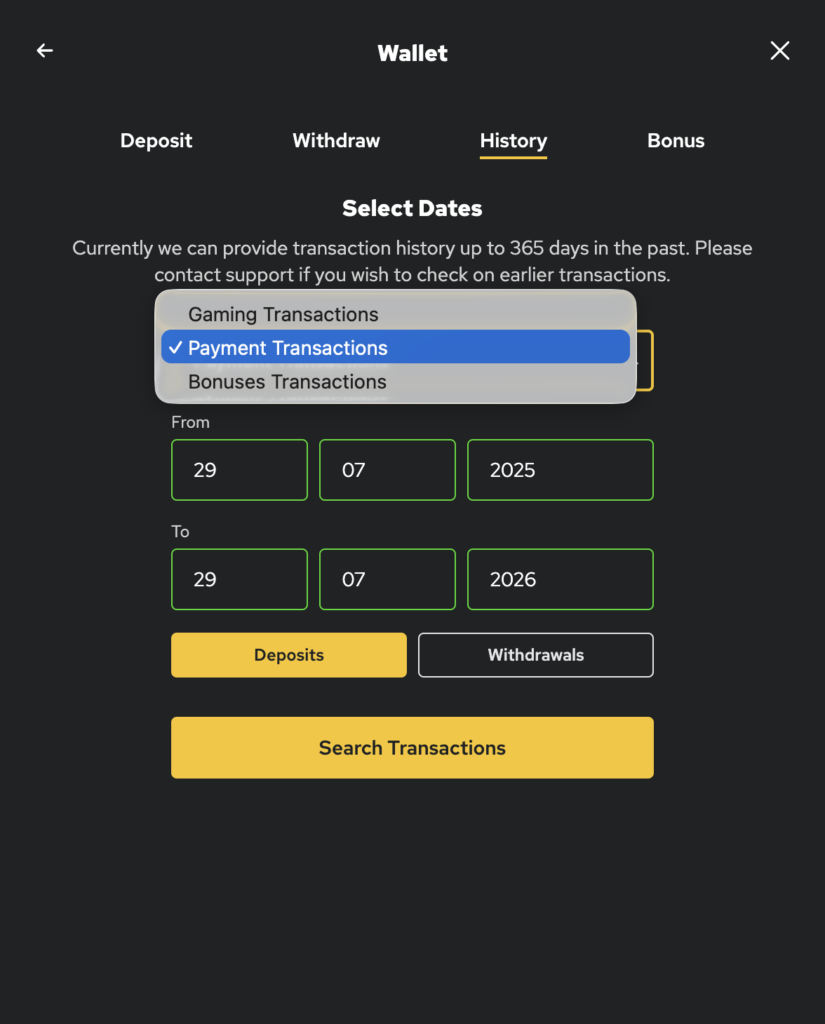
- Payment transactions will show net amount, deposits and withdrawals.
- Gaming transactions displays bets and wins by game.
- Bonuses transactions shows bonuses assigned to the account and played
As a strategy to help manage spending, players also have the option to set their own limits on the maximum bet wager per round, deposit limits, wager limits and loss limits. These tools can be found here or by following these steps:
- Log into player account
- Select “My Account”
- Click on “Responsible Gaming”
- Select “Set A Limit”
- From the drop down menu select the type of limit you wish to set.
Using these tips and strategies to monitor and manage spending can help players ensure they are in control of their gaming and the fun continues a few bucks at a time.