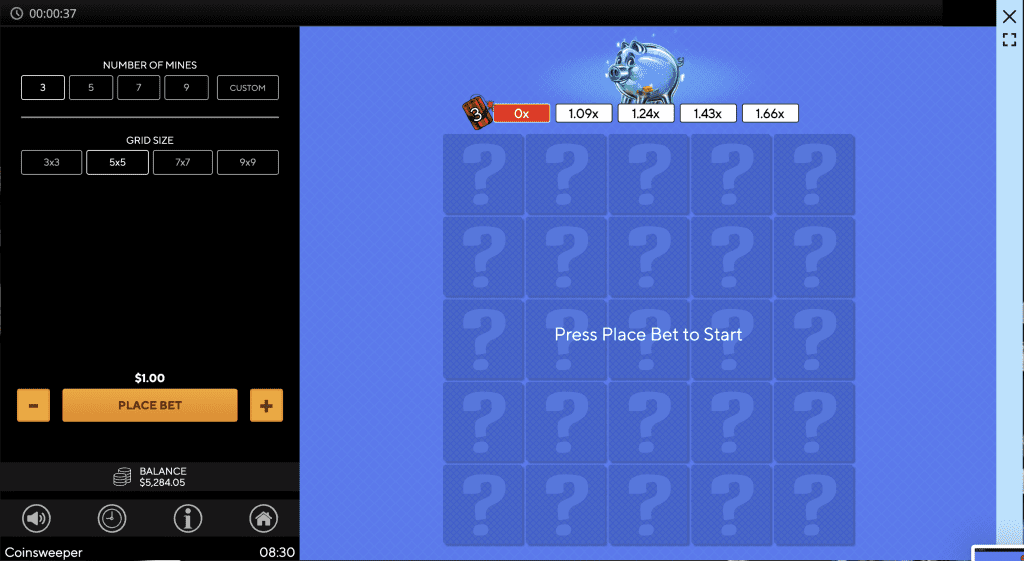
- Use the Grid Size selector to choose the size of the Grid that will form the board.
- Use the Number of Mines selector to choose the number of Mines that will be in the game.
- A custom number of Mines can be input, the maximum number this can be is 1 less than the grid size total.
- The minimum number of Mines that can be selected is 1.
- The number of Mines will appear in the Dynamite Symbol next to the Multiplier sequence.
- The Multiplier sequence for selecting the correct squares, is calculated based on the choices made for Number of Mines and Grid Size.
- Press the Place Bet button to start the game.
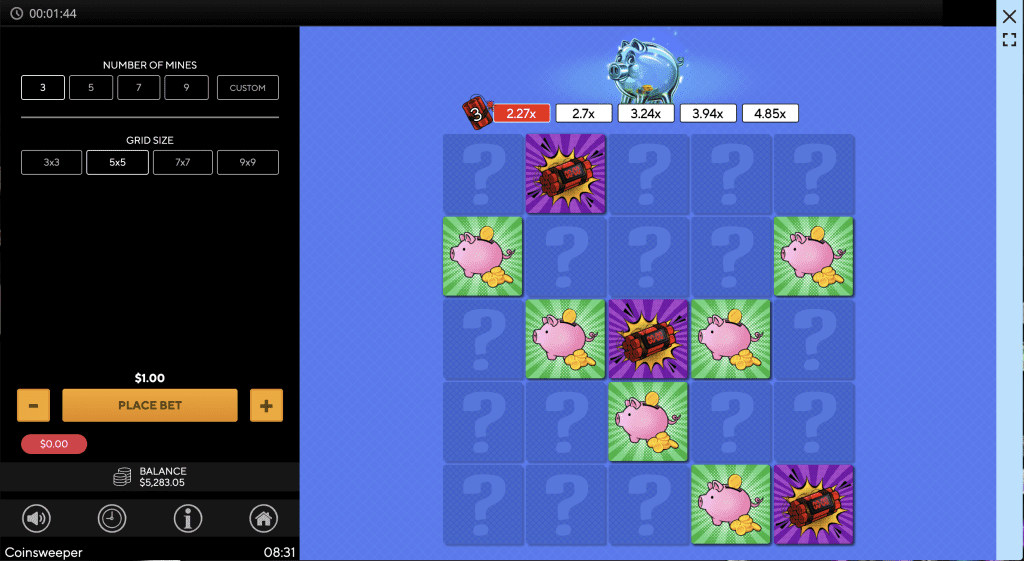
- Press on any square within the Grid to reveal that square.
- Revealing a Piggy will increase the Multiplier, however revealing a Bomb will end the game.
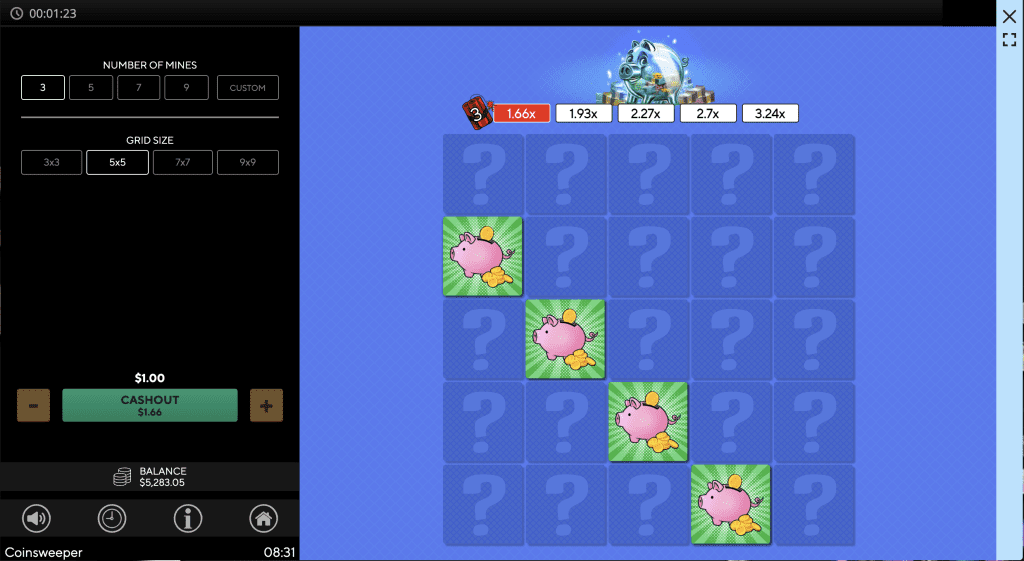
- If a Piggy is revealed, you can either Cashout or continue revealing squares.
- If a Bomb is revealed, all progress on the Multiplier sequence will be lost.
- Once you Cashout, the Total Return will be the Stake multiplied by the highlighted Multiplier value.
Additional Info
- The total cumulative pay cap is 10000x stake.
- The total cumulative pay cap is a hard limit per game, based on multipliers determined by the number of mines and the grid size.
- For more information on the procedures used to manage unfinished game rounds, refer to the gaming website.
- For more information on the time after which inactive game sessions automatically end, refer to the gaming website.
- In the event of malfunction of the gaming hardware/software, all affected game bets and payouts are rendered void and all affected bets refunded.
 Sound – Mute and unmute in-game audio
- Bet History – View previous bet details
- Game Guide – View the help file and in-game control descriptions
- Stake – Increase and decrease stake-+
- Tile – Reveal whether a piggy or bomb is behind tile
- Exit – GameClose the game and navigate to the lobby
 Sound – Mute and unmute in-game audio
 Bet History – View previous bet details
 Game Guide – View the help file and in-game control descriptions
 Stake – Increase and decrease stake-+
 Tile – Reveal whether a piggy or bomb is behind tile
 Exit – GameClose the game and navigate to the lobby